
Don't let AI build your features: 5 low-risk workflows for developers
Most developers do not fail with AI because the tools are weak. They fail because they start in the wrong place. Asking AI to build a whole feature, rewrite a service, or make architectural decisions is where trust breaks fast.
If you write production code, review pull requests, debug broken behavior, or maintain internal tools, the better starting point is narrower. AI becomes useful when it shortens one expensive part of the workflow without taking away your ability to judge the result.
This article covers five places where AI is immediately useful in real engineering work: drafting code, shortening debugging loops, handling constrained refactors, turning existing behavior into tests, and documenting code that already exists.
1. Use AI to draft, not to finish
The safest first use is not “write the whole feature.” It is “draft the first pass so I can edit from something concrete.”
That works well for helper functions, API client wrappers, validation logic, and repetitive boilerplate where the shape is familiar but the typing cost is high.
For example, you can ask Copilot, Cursor, or ChatGPT to draft a typed fetch wrapper for three similar endpoints, then keep the review in your hands: parameter names, error handling, retries, and logging policy.
Good prompt: Draft a typed fetch wrapper for these three endpoints. Keep the same response shape, add explicit error handling, and do not introduce retries or caching.
2. Use AI to shorten debugging loops
AI is often more useful in debugging than in greenfield generation. A short bug summary, stack trace, or failing condition is enough to ask for likely causes, missing checks, or reproduction paths.
The goal is not to trust the first answer. The goal is to reduce the time it takes to reach a stronger debugging hypothesis.
A practical prompt is simple: “Here is the failing request, stack trace, and recent code change. Give me the three most likely causes and what I should inspect first.” That is often enough to cut ten minutes of blind search into two.
Use it for: narrowing suspects, listing missing checks, and deciding what to inspect before you touch the code.
3. Use AI for constrained refactoring
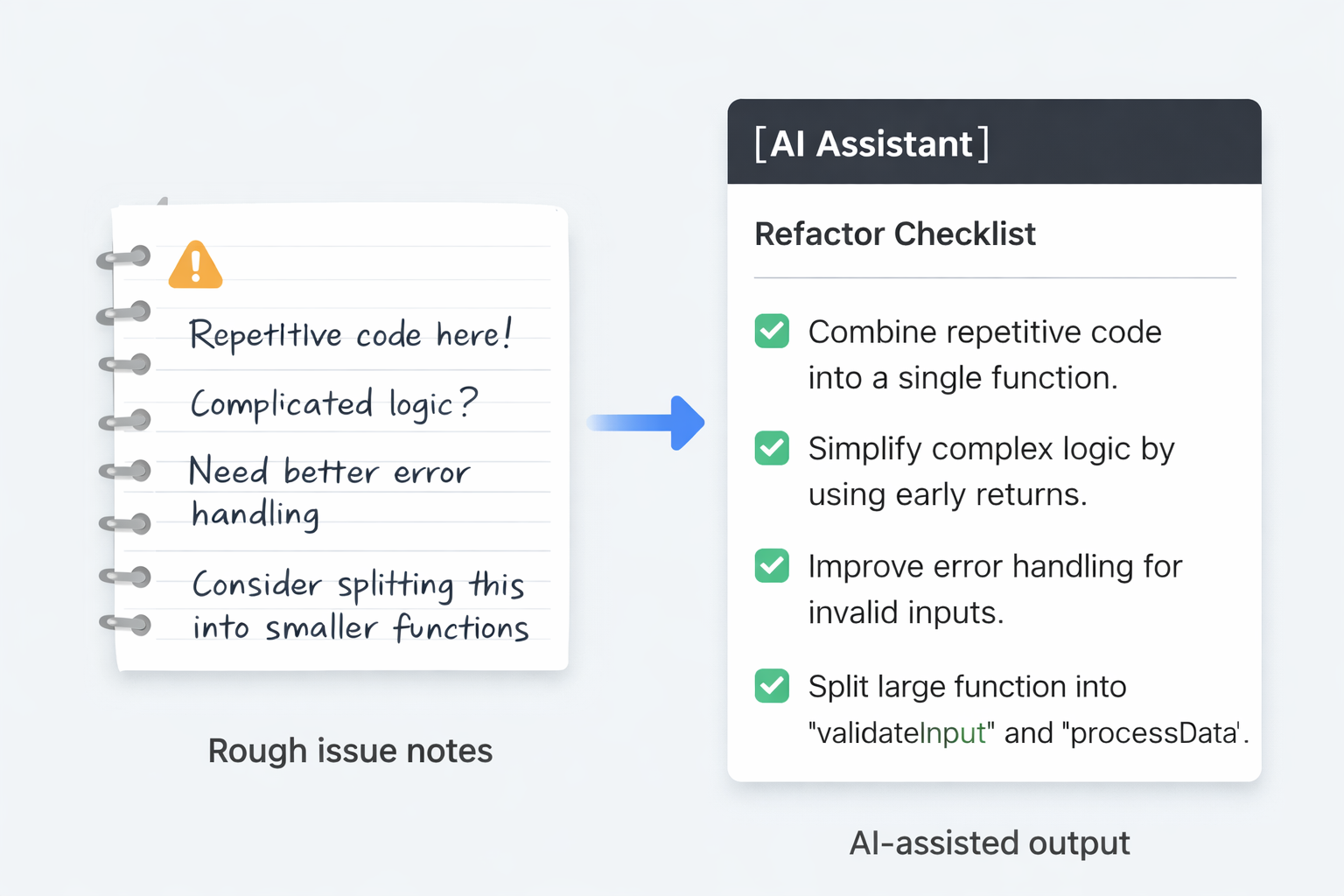
Refactoring is a better fit than open-ended generation because the current code already exists and the target can be constrained. You can ask for smaller functions, naming cleanup, testability improvements, or duplicated logic extraction.
When the scope is narrow, review is easier and the risk of subtle breakage drops.
Instead of “clean up this file,” ask for one controlled change: extract duplicated validation into one helper, split a 200-line handler into three smaller functions, or rename confusing branches without changing behavior.
Safe constraint: Keep behavior unchanged. Do not alter API shape, side effects, or external dependencies.
4. Use AI to turn existing behavior into tests
Developers often know what a module should do but still delay writing tests. AI can turn current function behavior, API responses, or edge cases into a first test list faster than starting from a blank file.
This is especially useful when you already have code and just need a better test surface around it.
One useful workflow is to paste a function and say: “List the happy path, input validation, null cases, and one regression case I should cover in Vitest or Jest.” The generated tests are rarely perfect, but the first test matrix is often good enough to accelerate real work.
Best outcome: You do not get perfect tests. You get a faster first draft of the test surface you should review anyway.
5. Use AI to document code after the fact
Documentation is usually postponed because the code feels more urgent. AI is useful here because it can summarize routes, modules, setup steps, or configuration responsibilities after the implementation already exists.
The best use is not polished marketing copy. It is internal clarity: what this file does, what this script expects, and what can break if it changes.
Good outputs here include README drafts, setup notes for new teammates, “what this cron job does” summaries, or a short explanation above a risky deployment script that someone will touch again three months later.
What to ask for: Summarize what this module does, what inputs it expects, what can break, and what another developer should read before changing it.
What should developers avoid at the beginning?
The biggest mistake is treating AI as a replacement for judgment before a working review habit exists. If you cannot quickly verify correctness, tests, boundaries, or security implications, wider automation is premature.
Start where review is cheap. Then widen the scope only after you know what “good output” looks like in your own codebase.
Where to go next
If you are building a practical AI workflow for developers, do not widen the scope yet. Pick one low-risk workflow this week: draft code, debugging, constrained refactoring, tests, or documentation. If review is still cheap after two or three uses, then expand.