
How to Decide What to Trust and What to Verify When AI Reads Logs
Logs are one of the fastest ways to waste an afternoon. AI points at one stack trace, one timeout, or one repeated warning and suddenly you have a confident explanation before you have a verified cause.
The useful way to use AI on logs is not to let it declare the answer. It is to let it compress noise, surface candidate clusters, and help you decide what must still be checked by hand.
1. Do not ask AI to tell you the root cause first
This is the most common mistake. Developers paste logs and ask, “What caused this?” AI often responds with one smooth theory. It sounds efficient, but it skips the part that matters most: whether that theory is actually supported by the evidence.
Logs are not explanations. They are traces. One error line may be the cause, the symptom, or just the first thing that became visible. If you let AI turn one visible line into one final story too early, you narrow the investigation in the wrong way.
2. The right boundary is simple: AI can compress, but verification still decides
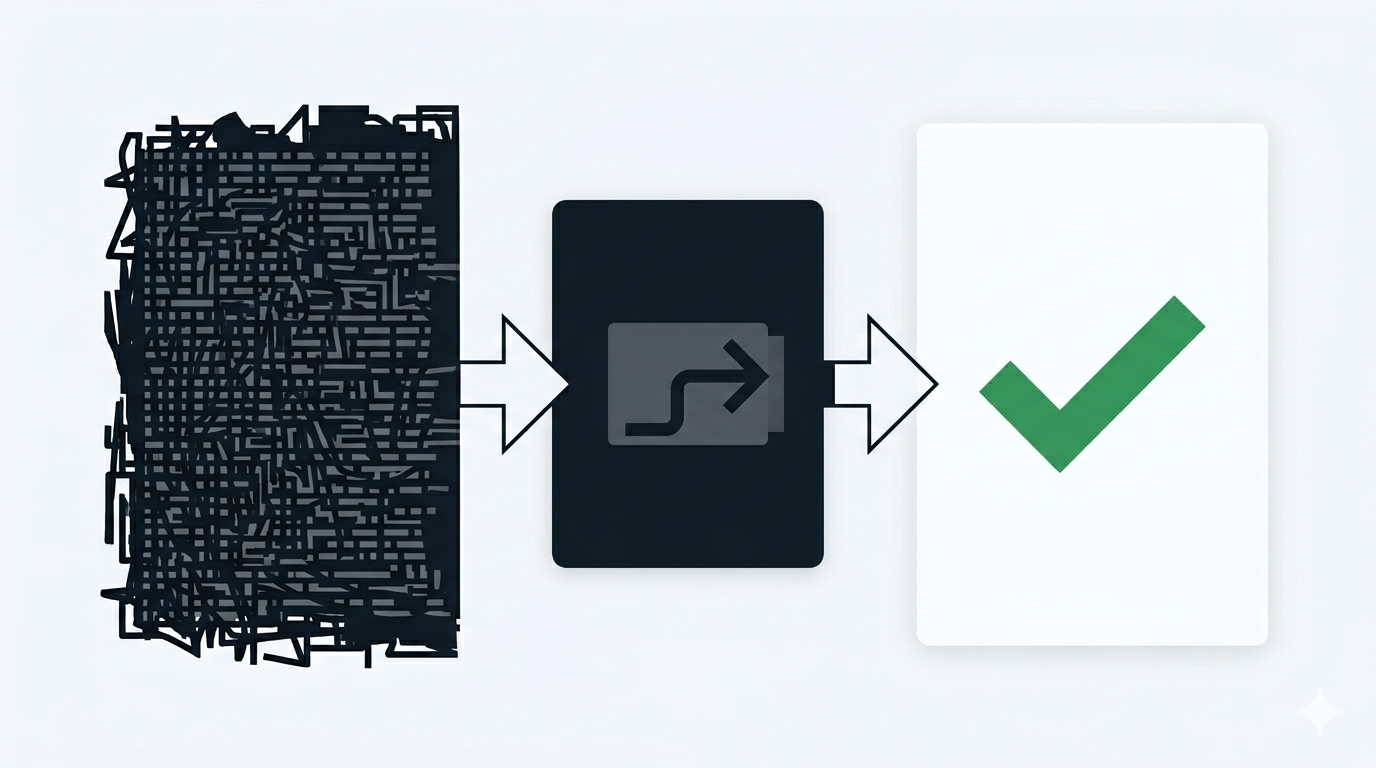
This is the core section. AI is strong at reducing surface area. It can group repeating errors, point out time windows, summarize which service names appear together, and separate likely signal from obvious noise. That is useful because raw logs are wide and tiring.
But the moment you ask AI to move from compression into judgment, the risk changes. “These three errors look related” is a useful suggestion. “This is definitely a database pool exhaustion issue” is already a claim that needs direct checking.
The difference matters because logs often contain false centers. The loudest line is not always the most important one. Sometimes the real cause is one configuration drift two seconds earlier, or one retry loop in another service that only becomes visible through indirect damage.
A good working rule is this: let AI help you reduce what you need to look at, but do not let it promote a pattern into a cause unless you can name the direct verification step right away. If you cannot say how to verify it, the claim is still just a candidate.
For example, AI may summarize a burst of 500 log lines into “requests fail after cache misses and upstream timeouts.” That is helpful. But the next step is not to trust the sentence. The next step is to check cache hit ratios, upstream latency, and whether the timeout came before or after the retry fan-out. The value is in making the verification path shorter, not in replacing it.
3. Use three buckets when AI reads logs for you
One practical structure works in most cases:
- Symptom summary: what is visibly failing
- Candidate cause: what might explain the pattern
- Direct check: the one thing you can inspect right now to verify or kill that candidate
This keeps AI in the right role. It can help write the first two buckets, but the third bucket forces the handoff back to evidence.
If AI gives you a candidate without a direct check, the output is not done yet. Ask for the verification path, not for more explanation.
4. One example is enough to show where trust should stop
Imagine your logs show repeated 504s, a queue backlog warning, and a burst of “connection reset” lines. AI may quickly propose that the queue worker is the root problem.
That might be true, but it is still only a candidate. A direct check could be: compare worker throughput before the 504 spike, inspect queue age, and confirm whether the reset lines began upstream or inside the worker boundary. If that check fails, the AI summary was still useful because it shortened the path, but it was never the final answer.
5. Keep one reusable prompt for log triage
You do not need a long workflow. One short prompt is enough:
Read these logs and separate them into symptom summary, candidate causes, and one direct verification step for each candidate. Do not claim a root cause unless the logs alone prove it.
If the logs come from a noisy incident, add one more line:
Group repeated lines, ignore obvious duplicates, and highlight only the parts that change what I should inspect next.
What to do first
Take one noisy log sample you are working on now and ask AI for only three things: symptom summary, top two candidate causes, and one direct check for each. If the result does not immediately reduce your next verification step, the prompt is still too broad.